How do I set a monthly budget?
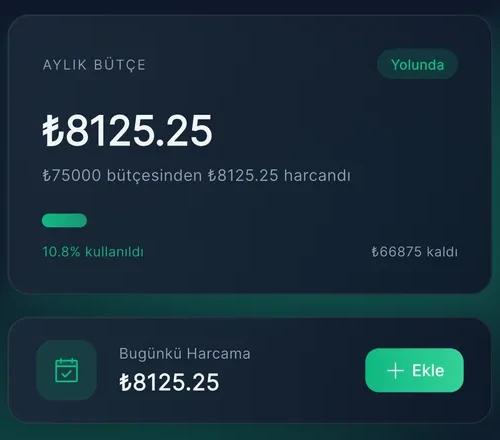
Go to Settings → Monthly Budget. Enter your desired spending limit and tap Save. The home screen will then show how much budget you have left for the current month.
What are the default categories?
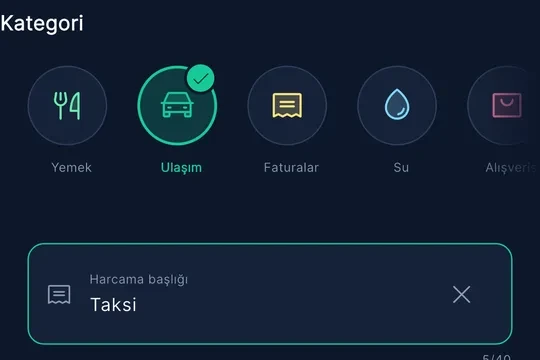
Masrafy includes 9 built-in categories: Food, Transport, Bills, Water, Shopping, Health, Internet, Education, and Entertainment. These cannot be deleted.
What happens if I delete a custom category?
Expenses that were assigned to the deleted category are automatically moved to "Other". No data is lost.
How does the Analytics page work?
The Analytics page shows your spending broken down by category, week, and month. Use the time-period selector at the top to switch between weekly and monthly views.
How do I change the currency?
Go to Settings → Currency. A panel will slide up with Turkish Lira (₺), US Dollar ($), and Euro (€) options. Tap your preferred currency.
I forgot my password. How do I reset it?
On the login screen, tap "Forgot Password?" and enter your e-mail address. You will receive a password reset link. Check your spam folder if it does not arrive within a few minutes.
Where are my expenses stored?
When you are signed in, your expenses are stored with your account in Google Firebase (Cloud Firestore), and the app keeps a copy on your device. Expenses you add while offline are uploaded to your account once you are back online.
Can I export my data?
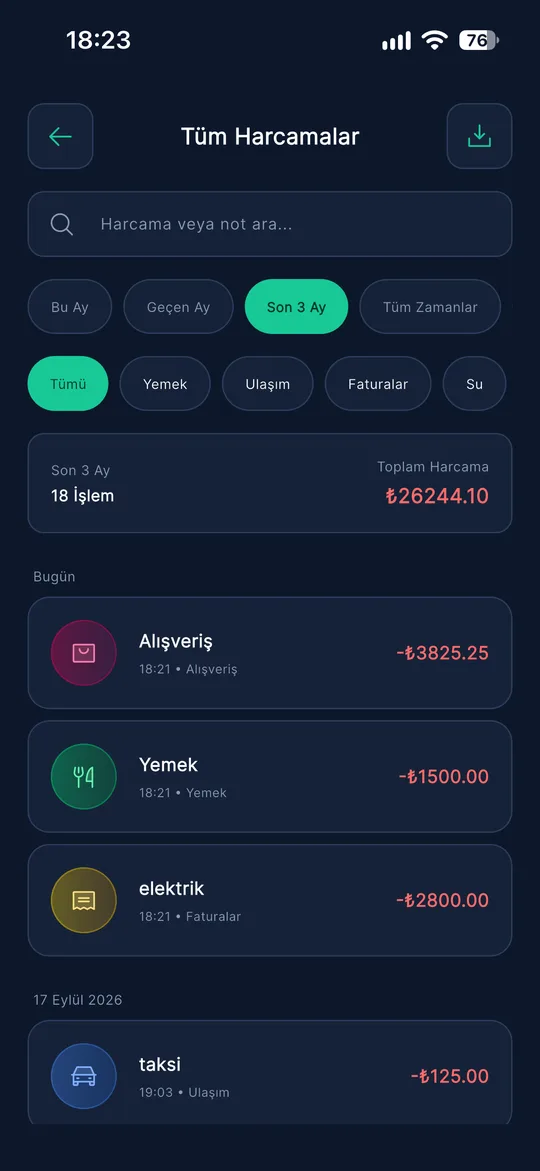
Yes. Under Settings → Export Data you can export and share your expenses as CSV, TXT, JSON or PDF.
Are there ads or in-app purchases?
No. This version of Masrafy is free, with no ads, in-app purchases, analytics or crash-reporting services.
How do I delete my account?
You can delete your account and all data stored in the cloud immediately and permanently in the app under Settings › Delete My Account, or on the account deletion page (in Turkish). Deletion cannot be undone; there is no waiting period.


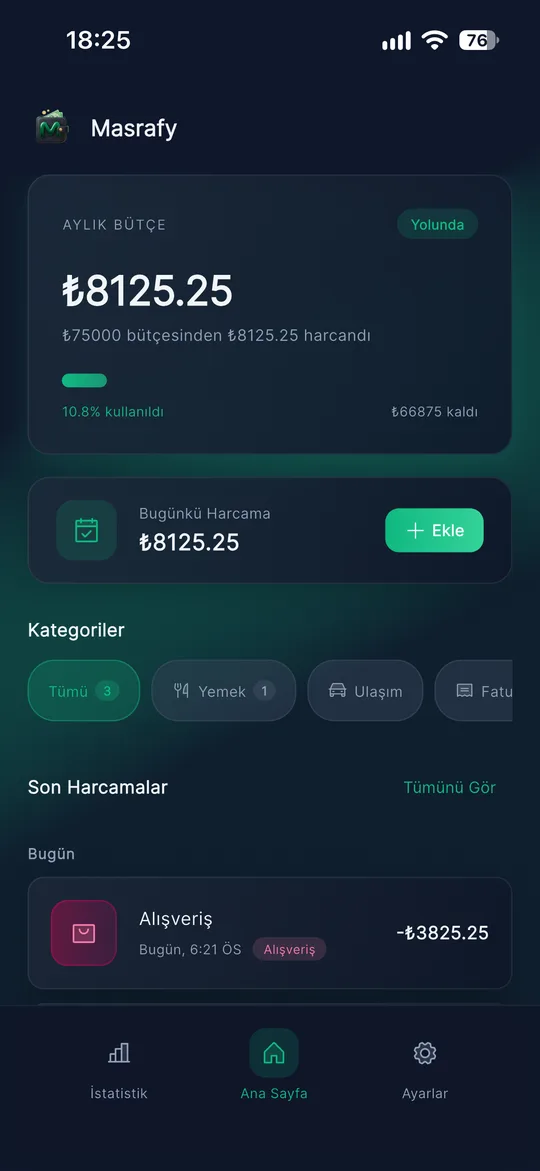
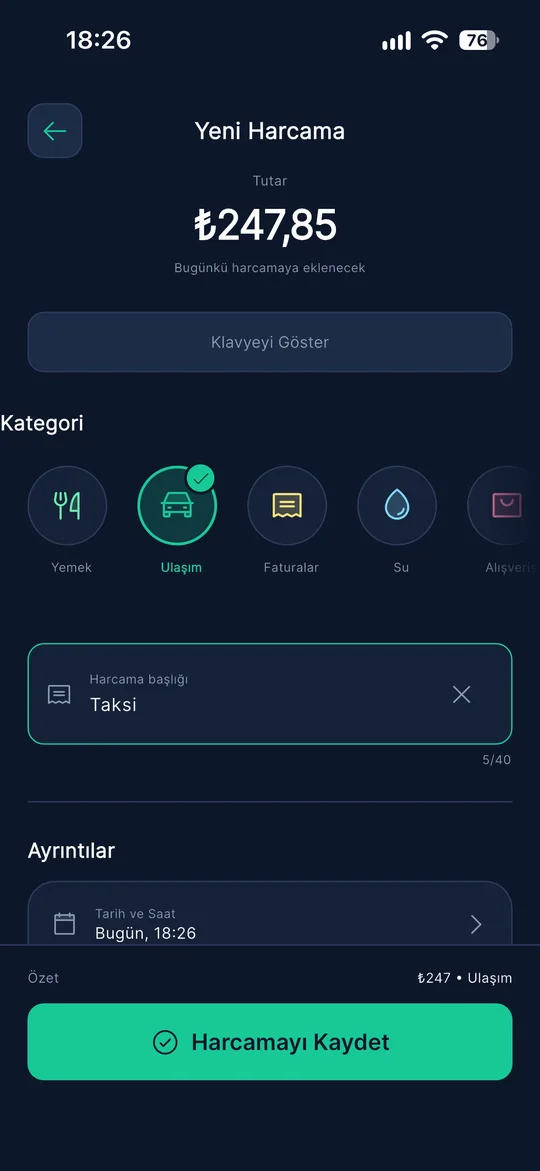
 From the home screen